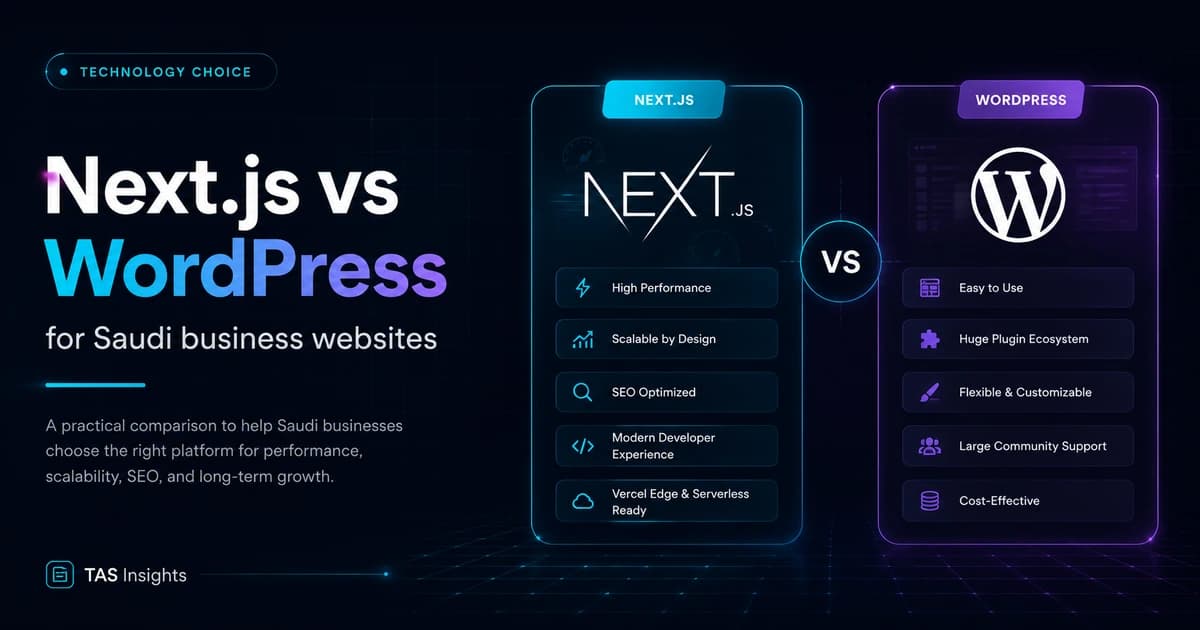
Next.js vs WordPress for Saudi Business Websites
WordPress is a mature publishing system. Next.js is an application framework. The right choice depends on who edits content, what the site must do and who will maintain the technology.
Quick Answer
Choose WordPress for editorial simplicity; choose Next.js for engineered experiences
WordPress can be a strong choice for content-led websites that need a familiar editor and standard functionality. Next.js is often better for performance-led websites, custom interfaces, application features and deeper integrations. A headless setup can combine a CMS with a Next.js front end, but it adds architectural responsibility and should solve a real need.
Key Takeaways
What matters before the build begins
These points define the decision behind the search query and keep the project grounded in business value.
WordPress and Next.js solve different primary problems.
SEO success depends on implementation and content—not framework branding.
WordPress requires disciplined plugin, theme and update governance.
Next.js requires engineering ownership and a deliberate content-management choice.
Arabic and English workflows should be tested in the CMS and component system.
A headless architecture is useful only when its flexibility justifies the added complexity.
Platform Basics
WordPress is a CMS; Next.js is a web framework
WordPress provides content editing, themes, plugins, user roles and a large ecosystem in one platform. It can power simple sites and complex publishing operations, but quality depends heavily on the selected theme, plugins, hosting and maintenance process.
Next.js provides rendering, routing, data access and React-based application architecture. It does not automatically provide a visual content editor. Teams normally connect a headless CMS, build a custom administration experience or manage content in code, depending on the project.
Decision Matrix
Next.js vs WordPress comparison
| Factor | WordPress | Next.js |
|---|---|---|
| Primary strength | Content management and publishing ecosystem | Custom front ends, rendering and application experiences |
| Editing | Familiar dashboard with themes and blocks | Depends on connected CMS or custom admin |
| Performance | Can be fast with disciplined implementation | Strong optimisation tools, but code quality still matters |
| Custom features | Plugins or custom PHP development | React components, APIs and custom application logic |
| Security ownership | Core, plugin, theme, hosting and access updates | Dependencies, hosting, APIs, secrets and application code |
| Hosting | Broad hosting options | Node/serverless/static deployment options depending on architecture |
| Best fit | Content-led sites with standard workflows | Custom marketing sites, products and integrated platforms |
Real Project Visuals
Platforms and websites built across different business models


SEO
Both can support SEO when the implementation is correct
WordPress offers mature SEO tools and simple editorial control, but plugins do not replace useful content, crawlable architecture or performance. Themes and page builders can add unnecessary markup or scripts, so implementation quality matters.
Next.js supports server-rendered and statically generated content, metadata APIs and image optimisation. It can produce excellent SEO foundations, but developers must still implement canonical URLs, internal links, structured data, sitemaps and content workflows correctly. A JavaScript framework is not an automatic ranking advantage.
SEO requirements for either platform
- Server-visible primary content
- Unique metadata and canonical URLs
- Crawlable internal links
- Clean indexable URL structure
- XML sitemap and redirects
- Structured data matching visible content
- Optimised images
- Measured Core Web Vitals
Bilingual Operations
Test the Arabic and English editorial workflow—not only the front end
Both platforms can support multilingual websites. The practical question is how editors create, relate, review and publish each language. The content model should prevent missing translations and clarify whether URLs, metadata, media and structured data are managed separately.
The interface must also handle RTL and LTR direction at component level. Navigation, icons, tables, forms and motion should be reviewed in both languages. A translation plugin or API does not solve editorial ownership or cultural relevance by itself.
Planning Check
Need help turning the requirement into the right scope?
Share the website goal, required pages, languages, integrations and timeline. TAS can help you identify whether the project needs a focused business website, a custom platform or a staged roadmap.
Ask TAS on WhatsAppOperations
Maintenance responsibility is different—not absent
WordPress teams must manage core, theme and plugin updates, access, backups, hosting and vulnerability response. Reducing the plugin count and using reputable maintained extensions can lower risk.
Next.js teams manage framework and package updates, hosting, APIs, environment secrets, application security and custom code. A smaller public attack surface does not remove operational responsibility. The correct question is which maintenance model the business and provider can support consistently.
Total Cost
Compare team fit and lifecycle cost
WordPress can launch faster when a suitable theme and standard plugins cover the requirement. It may also allow internal marketers to manage content with less developer support. Costs increase when page builders, many plugins or custom PHP modifications become difficult to govern.
Next.js generally needs experienced developers and a CMS decision, but it can provide a controlled component system for complex experiences and integrations. Compare the expected content changes, feature roadmap, hosting, maintenance and available talent over several years.
Hybrid Architecture
When headless WordPress with Next.js makes sense
A headless setup keeps WordPress as the editorial system while Next.js renders the public website. It can help organisations that value the WordPress editing experience but need a custom front end, stronger component control or multiple delivery channels.
The trade-off is operational complexity. Preview, authentication, caching, media, redirects, forms, search and deployment must work across two systems. Plugin features that assume a traditional WordPress theme may not appear automatically in the headless front end.
Choose this architecture when the benefits are specific and measurable, not because “headless” sounds modern. For many standard corporate sites, a well-governed WordPress implementation or a simpler CMS with Next.js may be easier to operate. The decision should be documented so future teams understand why the additional architecture exists, which business requirement it serves and when it should be reassessed as the editorial team, feature roadmap and traffic requirements change.
Headless readiness questions
- Does the editorial team need WordPress?
- Is a custom front end commercially important?
- Who owns previews and deployments?
- How are forms and search implemented?
- How are redirects and metadata synchronised?
- Who maintains both systems?
Commercial Transition
Which should a Saudi business choose?
Choose WordPress
Content publishing is the main job
The team needs a familiar editor, standard page patterns and an established plugin ecosystem.
Choose Next.js
The website is an engineered experience
Performance, custom UX, integrations or application behaviour are central to the requirement.
Consider headless
Editors and developers need separate strengths
A CMS manages content while Next.js delivers a custom front end, with added integration responsibility.
Reassess the brief
The answer is still unclear
Clarify who edits, what users do, which systems connect and who owns maintenance before selecting technology.
TAS Project Evidence
What these decisions look like in real digital products
The examples below are presented as TAS project showcases. They demonstrate different website and platform patterns without inventing performance results or claiming that one architecture fits every business.
Website · Booking Platform · Mobile Apps
Pure Touch
A service-booking ecosystem with customer journeys across web and mobile, service selection, scheduling and account workflows.
View live projectDigital Product · Subscription · AI Experience
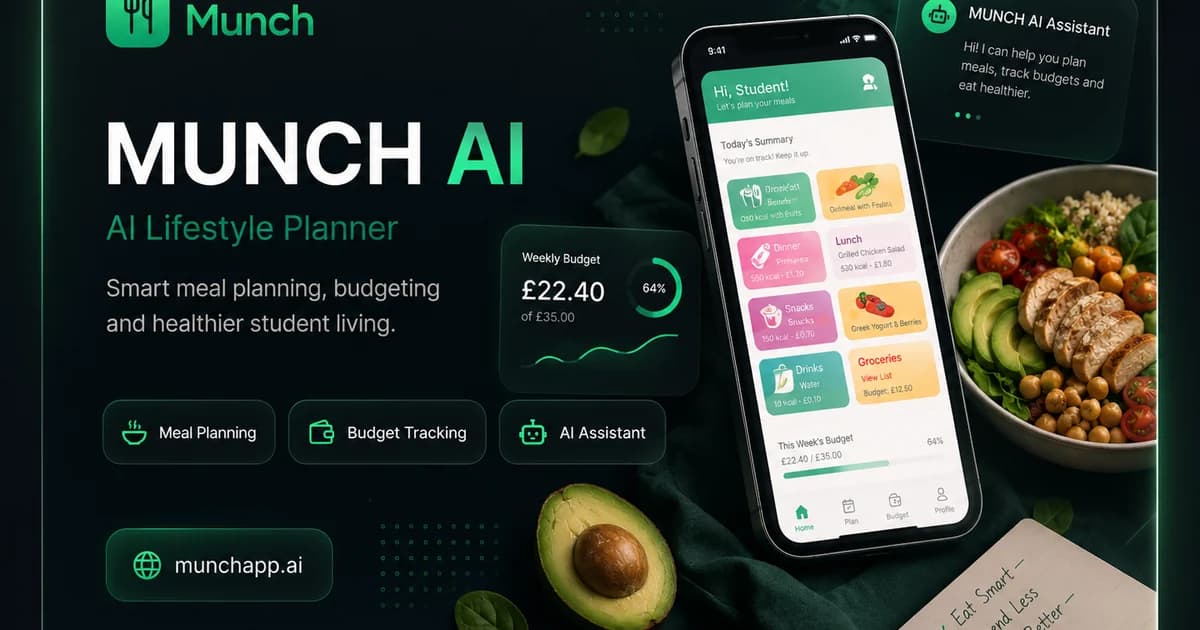
MUNCH AI
A consumer digital product combining public web pages, mobile applications, subscriptions and AI-assisted lifestyle features.
View live projectEducation Platform · Content · User Journeys
TUTES4U
An education-focused platform that organises tutoring discovery, student guidance and content around distinct user needs.
View live project
Property Platform · Listings · Lead Generation
Hurghada Real Estate Group
A property-discovery experience combining location content, project listings, search-led landing pages and buyer enquiry journeys.
Discuss a similar TAS project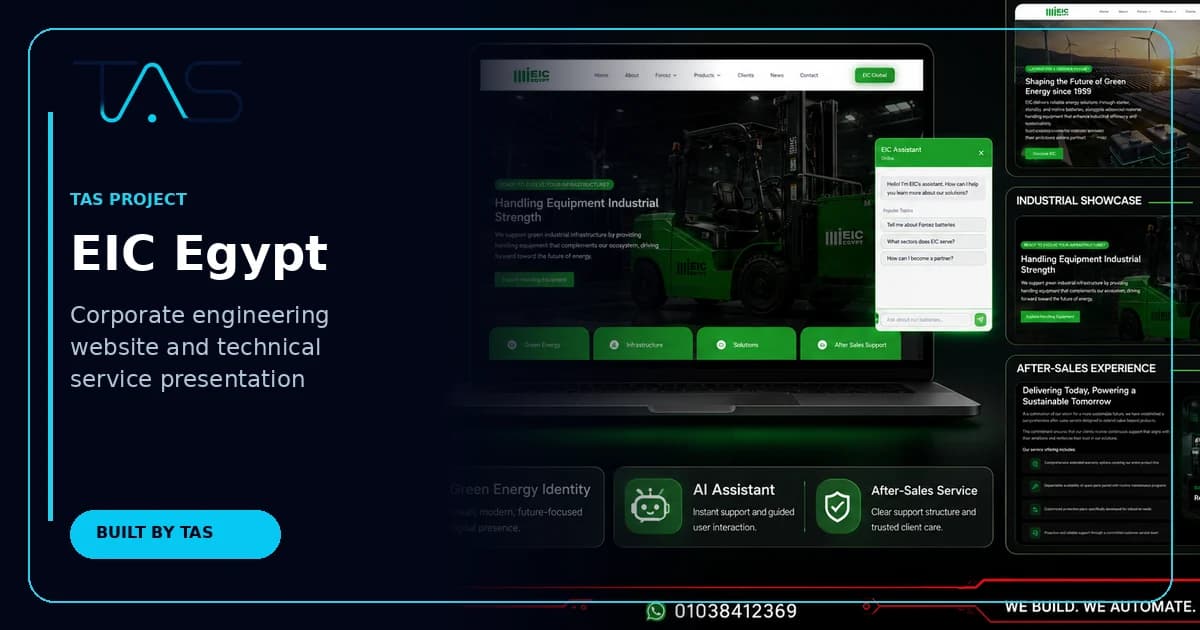
Corporate Website · Technical Services
EIC Egypt
A corporate engineering website structured around technical capabilities, sectors, credibility and business enquiry pathways.
Discuss a similar TAS projectConnected TAS Guides
Web development connects to automation, CRM and AI
These existing TAS guides cover adjacent decisions without competing with the web development cluster.
Frequently Asked Questions
Next.js vs WordPress FAQs
Is Next.js better than WordPress for SEO?+
Not automatically. Next.js provides strong rendering and metadata tools, while WordPress provides mature editorial and SEO tooling. Rankings depend on content quality, architecture, crawlability, internal links, performance and implementation—not the platform name.
Is WordPress suitable for a Saudi business website?+
Yes, especially for content-led websites using standard functionality and a team that values a familiar editor. Use maintained themes and plugins, plan Arabic and English workflows, and define security, hosting and update ownership.
When should a business choose Next.js?+
Choose Next.js when the website needs a highly tailored interface, strong performance control, custom integrations, application features or a reusable component system. The business also needs a clear CMS and engineering maintenance plan.
Can WordPress be used as a headless CMS with Next.js?+
Yes. WordPress can manage content while Next.js renders the front end. This can combine editorial familiarity with a custom experience, but it adds APIs, preview, caching, deployment and integration responsibilities that should be justified by the project.
Which platform is cheaper over time?+
It depends on the feature roadmap, internal skills, licences, hosting, plugins and developer support. WordPress may be cheaper for standard publishing. Next.js may be more efficient for custom product experiences that would otherwise require many plugins or heavy theme modification.
Next Step
Choose the stack that your business can operate
Tell TAS who will edit content, what users need to do, which systems must connect and how the site may grow. We can recommend WordPress, Next.js or another approach without forcing the project into one stack.
Authoritative sources and further reading
Technical standards and platform guidance change. Review the current source before making a final architecture, security or compliance decision.
- Google Search Essentials
- Google SEO Starter Guide
- Google crawlable links best practices
- Google canonical URL guidance
- Google image SEO best practices
- Google Article structured data
- web.dev Core Web Vitals guidance
- Next.js metadata and Open Graph documentation
- Next.js Image optimisation documentation
- Next.js server and client components guidance
- WordPress documentation
- OWASP Top 10 web application security risks
- W3C guidance for text direction and RTL content